Hey everyone,
Hot on the heels of our v5 release, we’re excited to announce that our new web console is now available for beta testing, and we want you to try it out.
What Is This?
As part of the v5 infrastructure rebuild, we took the opportunity to modernize our front-end codebase. We completed our migration to a modern front-end framework, consolidating everything and cleaning up years of technical debt. This sets us up for the exciting innovations we teased in the v5 announcement.
Built From the Ground Up
This new console was built almost completely from scratch. While this allowed us to create a cleaner, more maintainable foundation for the future, it also means we may have introduced some bugs or inconsistencies compared to the old console.
We feel confident that it’s in good shape, but we want to be upfront: there may be issues we haven’t caught yet. That’s exactly why we’re releasing this as a beta first. We need your eyes on it.
If you notice anything funny, broken, wrong, or slow, please let us know. Your feedback is essential to helping us get this right before we make it the default experience for everyone.
Important: This Uses Your Production Data
The beta console connects to the same production database as your current console. This means:
- ✓ All changes you make in the beta are live and real
- ✓ You can switch between the beta console and the production console freely
- ✓ Both interfaces show the same data and make changes to the same system
Think of it as a different window into the same room, just with fresh paint and better lighting.
What’s New in the Console?
Consolidated Email Mailboxes View
We’ve added a new unified screen that displays both hosted mailboxes and remote mailboxes together in a single interface. No more jumping between two separate screens.
The original separate views (Hosted Mailboxes and Remote Mailboxes) are still available in the left sidebar if you prefer them. We’d love your feedback: Can we retire those separate views and keep only the consolidated screen? Or do you prefer having both options?
New “Report a Bug” Feature
We’ve added a question mark menu (?) at the top of the console. Click it, then click “Report a Bug” to send us feedback directly.
Pro tip: If you encounter an issue on a specific page, navigate to that page first, then click Report a Bug. This helps us understand exactly where the problem occurred.
How to Access the Beta
https://console-beta.us1.mspintegrations.com/
Log in with your existing credentials. Everything works the same way.
We Want Your Feedback!
This beta period is all about hearing from you. Here’s how you can help:
- Use the beta console as you would your regular console
- Report bugs using the new ? menu → Report a Bug feature
- Share feedback in this thread. Tell us what you like, what feels off, what’s confusing
Specifically, we’d love to know:
- Does the consolidated mailboxes view work for you, or do you prefer the separate screens?
- Is anything slower, broken, or harder to find?
- What do you think of the new look and feel?
What’s Coming Next
This new console architecture is the foundation for some tremendous, revolutionary changes we have planned for MSPintegrations. We’re excited to share more in the coming weeks, but first, we need to get this new console polished and live with your help.
Thanks for being part of this journey. Your feedback directly shapes what we build.
— Travis
Drop your feedback, questions, or bug reports in the comments below. I’ll be monitoring this thread!
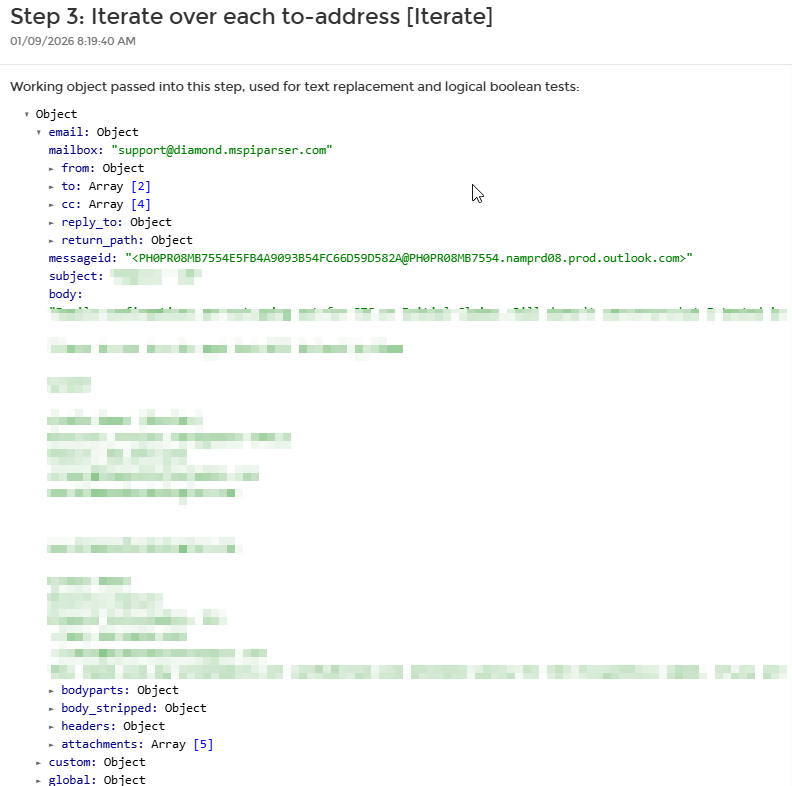
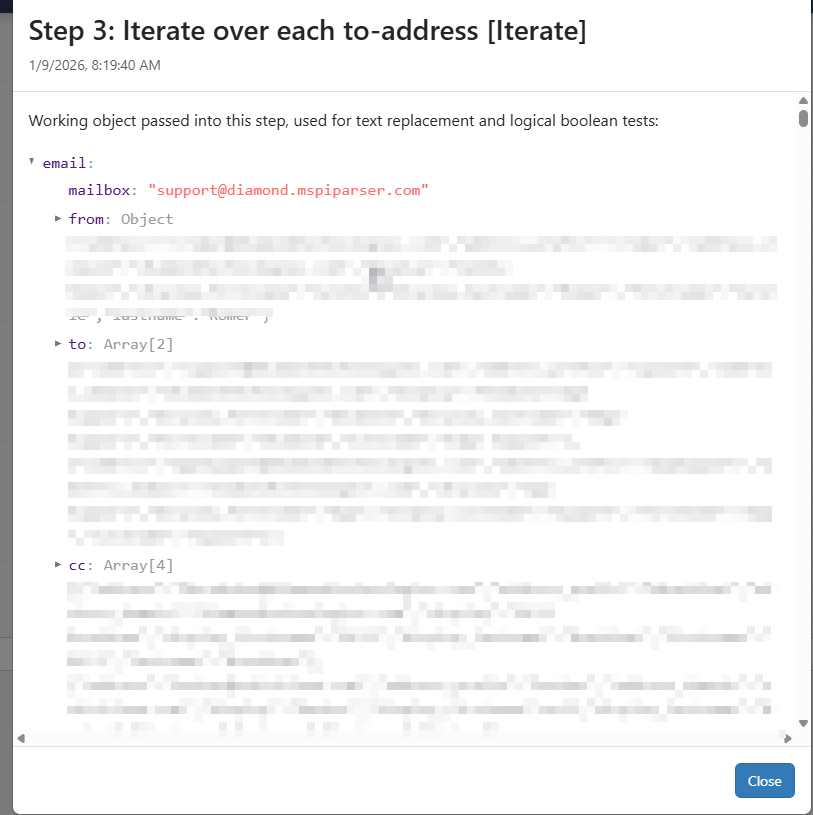
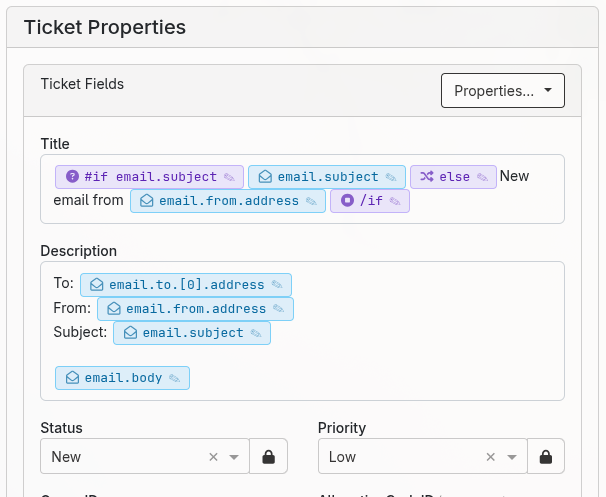
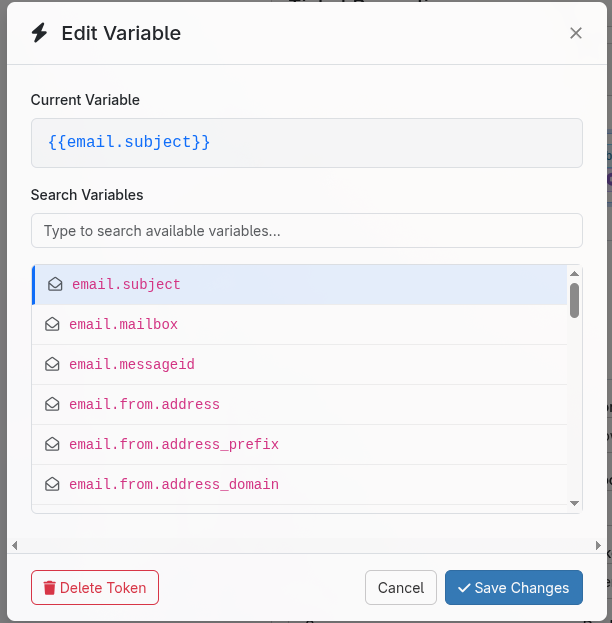
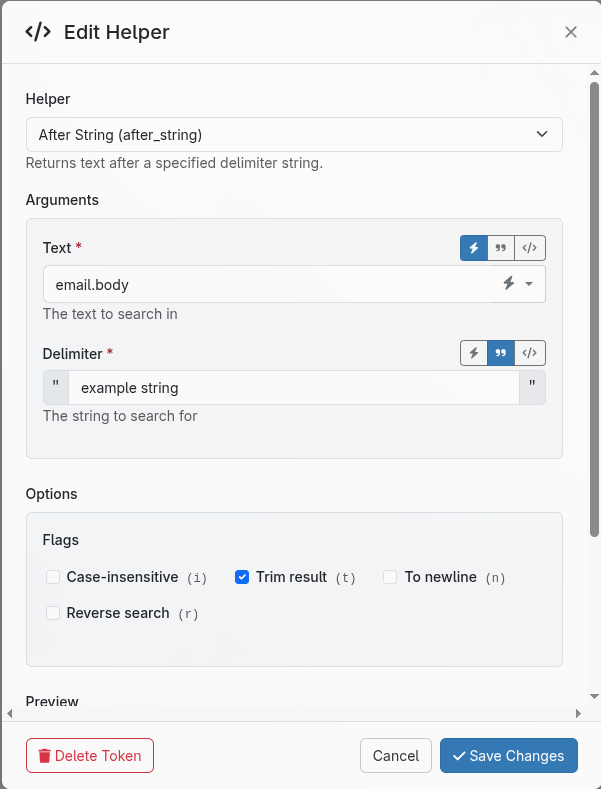
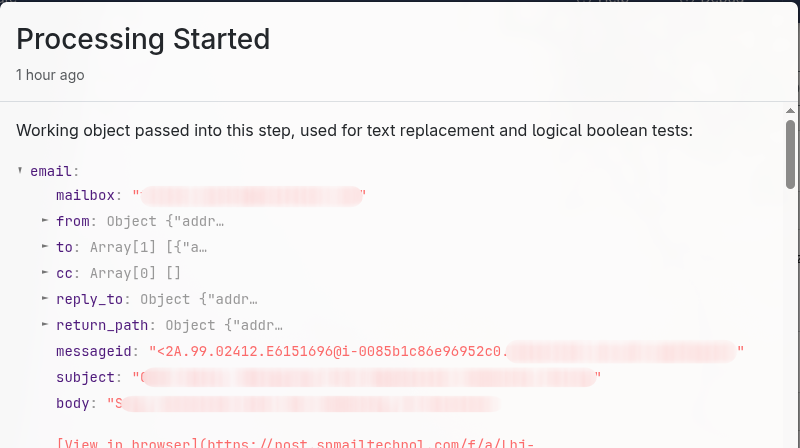

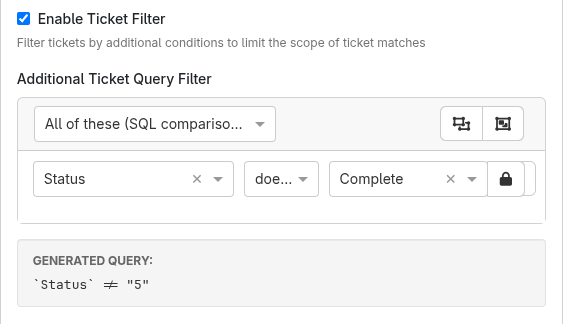
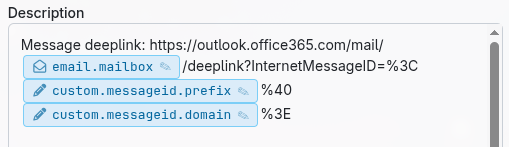
 ’s shown below in my custom variables?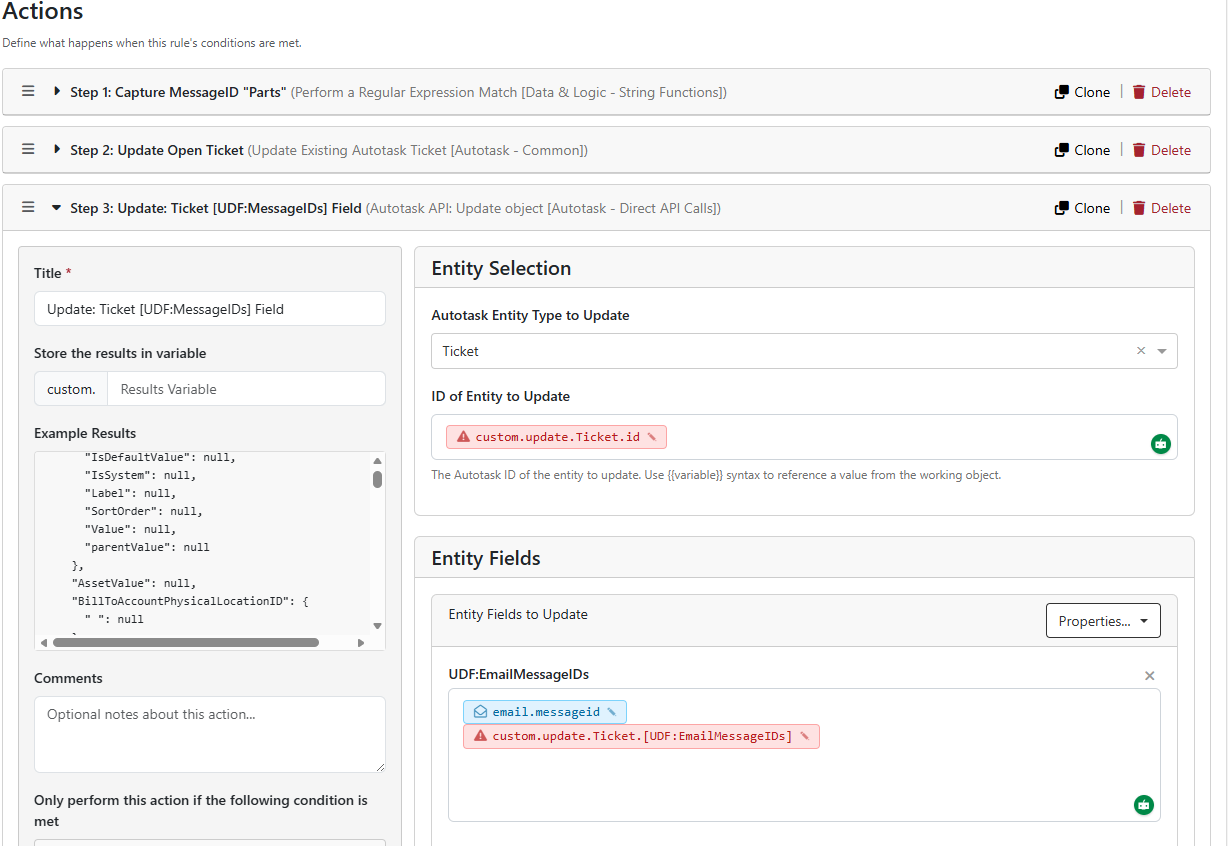
 was resolved. Now, removing and re-adding the custom variable property from the editor results in a “blue” item.