Is there a way to detect whether it is currently during business hours in AutoTask from within MSP integrations? Apparently, there is an API call that returns the business hours for an internal location, but I did not see it surfaced in MSP integrations. Thanks.
Hi Keith,
Although we couldn’t pull Business hours out of AutoTask, what you can do is to simulate that a bit by creating it yourself.
What we do is to have an early rule in the process which defines a variable that determines if it is during business hours.
This is some game using the date function of MSPInt.
First figure out the current day of the week and the current hour
{{date to_tz="America/New_York" to_format="N"}}
{{date to_tz="America/New_York" to_format="G"}}
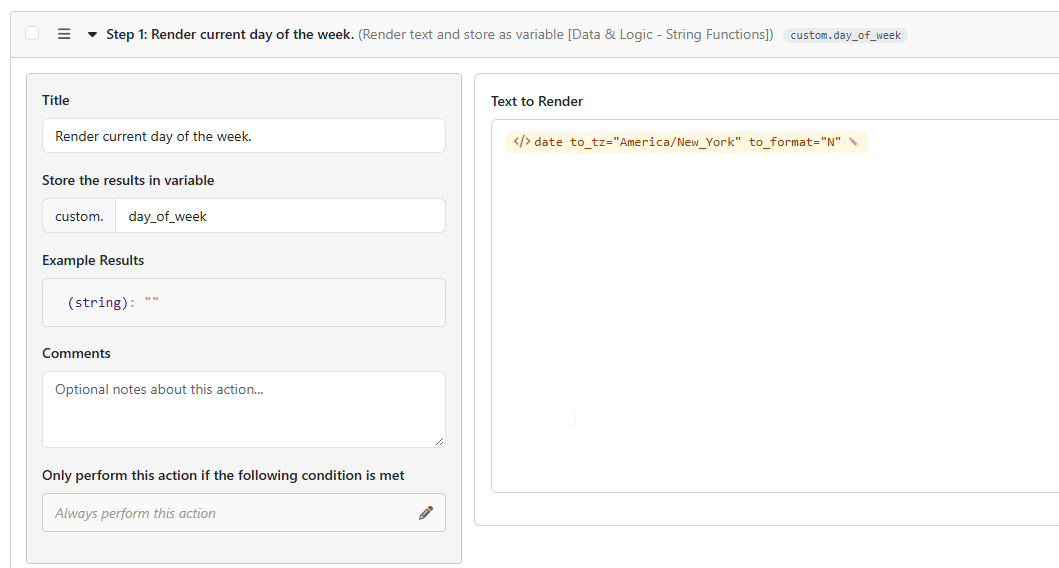
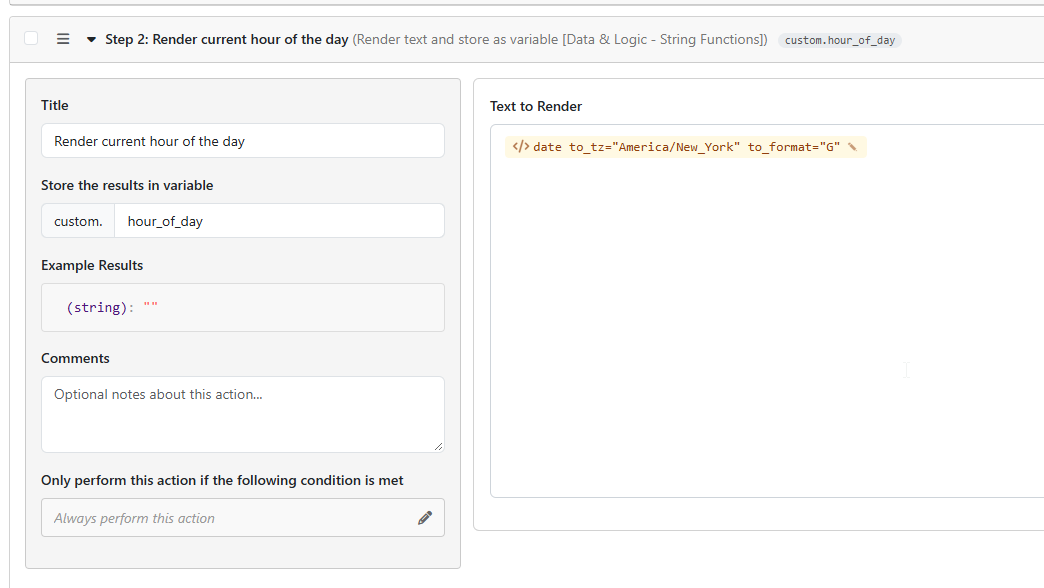
Now you compare those values against your formula for what is business hours and store that as a variable.
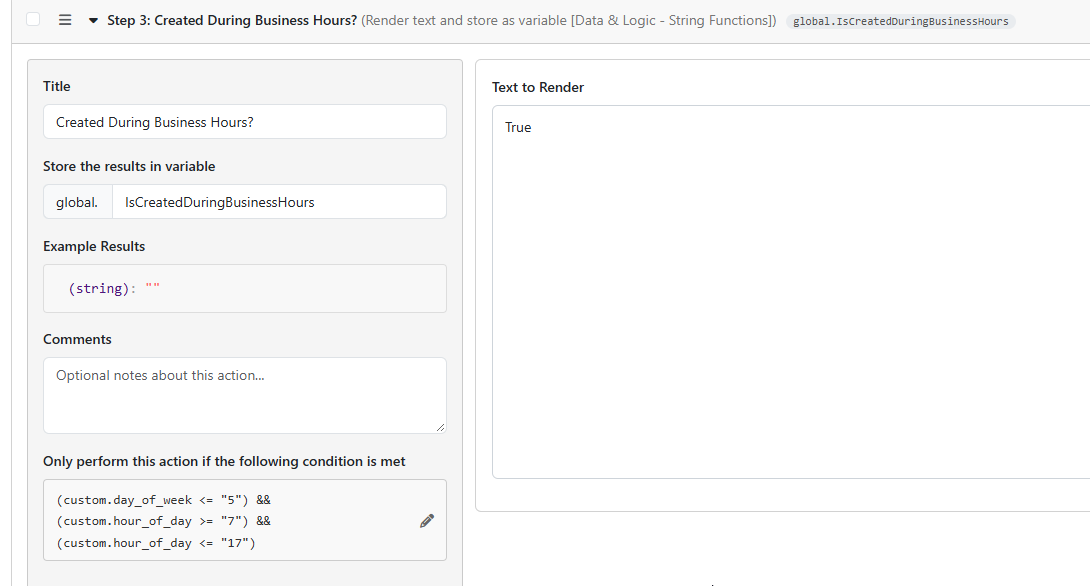
In our case, it’s M-Fri 7am-6pm.
Since we aren’t looking at minutes, I am checking the hour as <=17, which could have also been < 18. If you do <=18, you get the entire 6p-6:59p range. I’m willing to sacrifice the exact 6:00:00p time for a ticket for easier calc!
There is no “type” to variables in MSPInt, so you don’t get a true boolean here. I store the text value of “True” and then treat it as a boolean by comparing equals/not equals against it.
Since I’m doing “Not True”, either “False” or or anything else matches.
In this example, I am changing the status of a ticket to On-Call Handoff - so MSPInt makes the change for me. I could have let it flow through and had a workflow do it with a UDF (see below), I just wanted to show you the conditions to use against the variable.
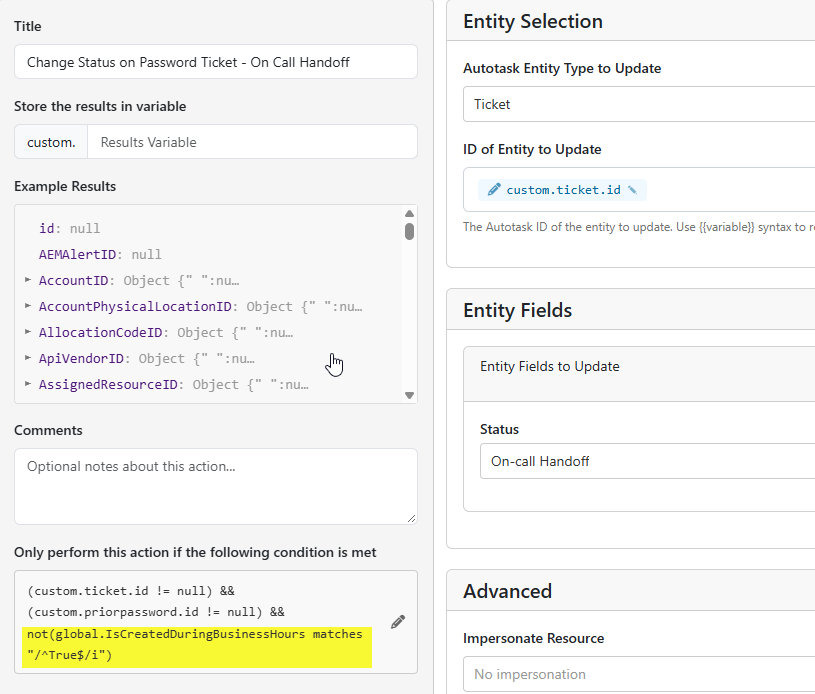
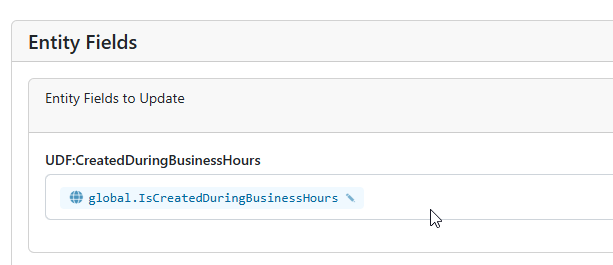
I also set a custom UDF on the ticket. This way I can refer to the UDF inside of AutoTask with any workflow and only fire workflows during business hours.
Thanks for the detailed explanation. I was hoping not to have to store the data in two places, but I like the way you’ve outlined this. It looks pretty elegant.