How do i get list of rules and last time when was that executed as list for a mail box?
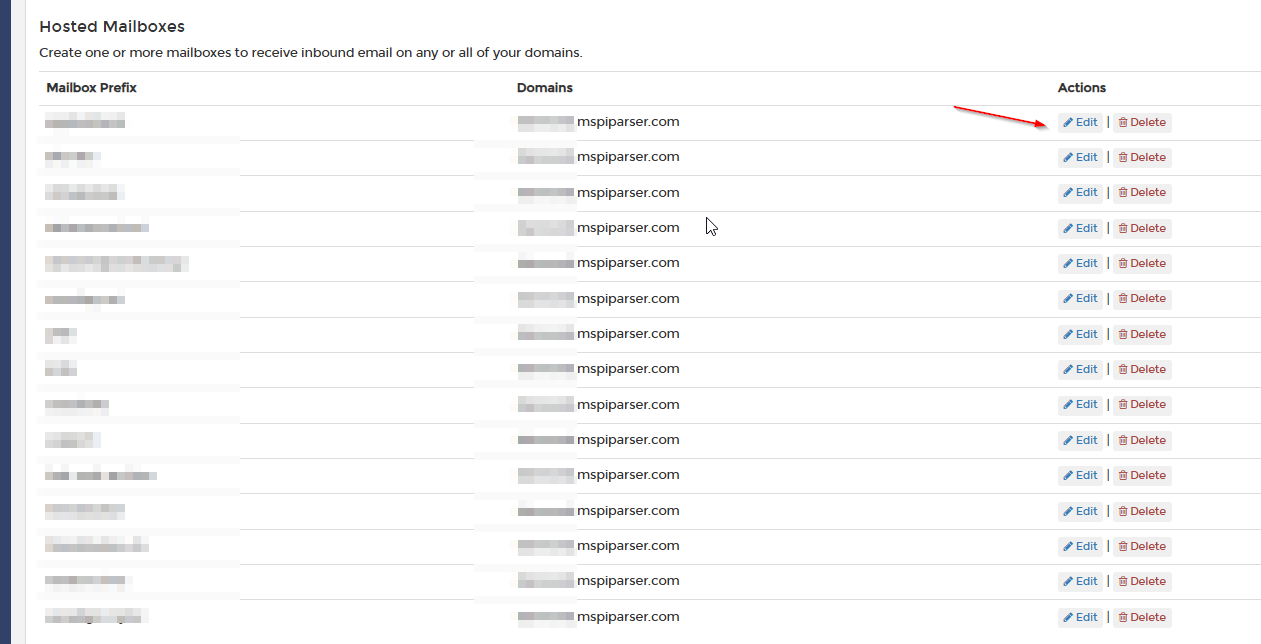
You can get the list of rules by choosing the appropriate mailbox from the hosted mailbox (or remote mailbox section) and clicking it’s “edit” button.
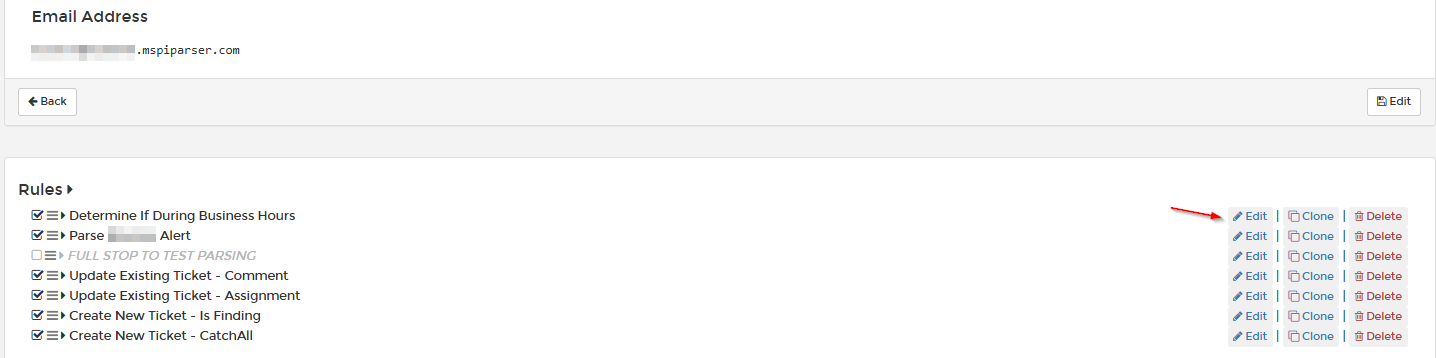
From there, you will see all of the rules that were created for a mailbox and can click on edit for any of them to investigate them further.
As far as when it was executed, you can click on the history link in the navigation. In the search field, put in the full email address of the mailbox you are investigating and you will see when something came in and was acted on.
Each individual email that was processed has its own history, so you’d have to look at an item to see which of your rules were processed.
The fact that it started processing it doesn’t mean that every rule you created fired, based on the conditions.
This will help you determine when the email matched something, you can see what rules got processed, and which steps were processed. You can’t do a search for a particular step or a particular rule of a particular mailbox to see when it specifically was last processed on some message.
are you trying to accomplish more than that?