I love the new interface. I particularly appreciate that we now have global variables in the drop-down list. Does anyone know how to access the Autotask ticket URL?
I’m thrilled you like it!!
When you create a ticket and store it in (for example) custom.ticket, you can access the ticket URL in custom.ticket.meta.autotask_url.
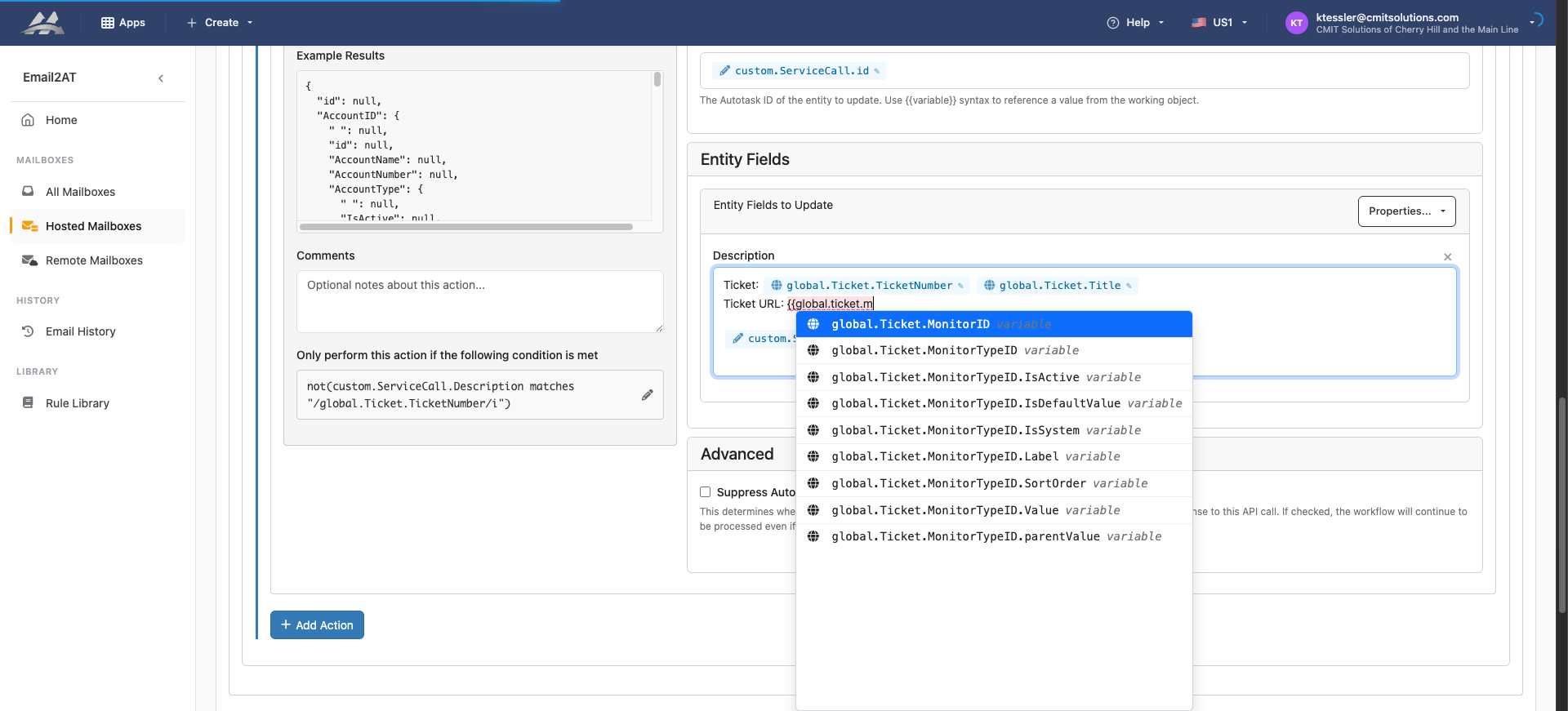
Oh, I think you’re right. It looks like that’s not showing in the auto-complete for the new console.
You can free-form type it for now. It will display as red since the console thinks it’s invalid, but the backend will still render if it’s valid. We’ll work to fix the console, but hopefully that gets you going in the meantime.
No problem, I can freeform type it for now. By the way, the global variables are also showing up in red if you want to fix those in the console at the same time.
Can you send the URL to the rule you’re working on that shows red for global vars?
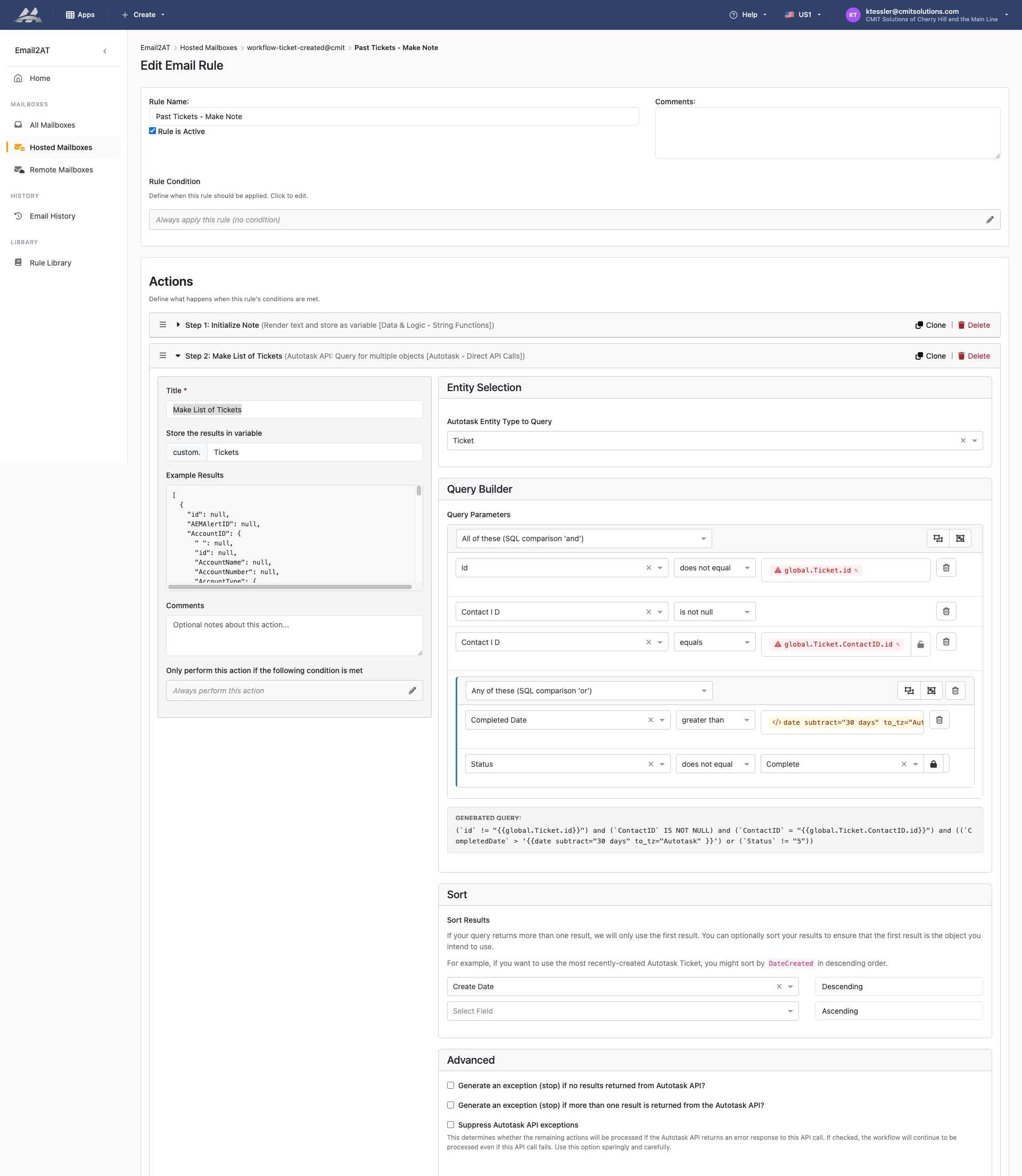
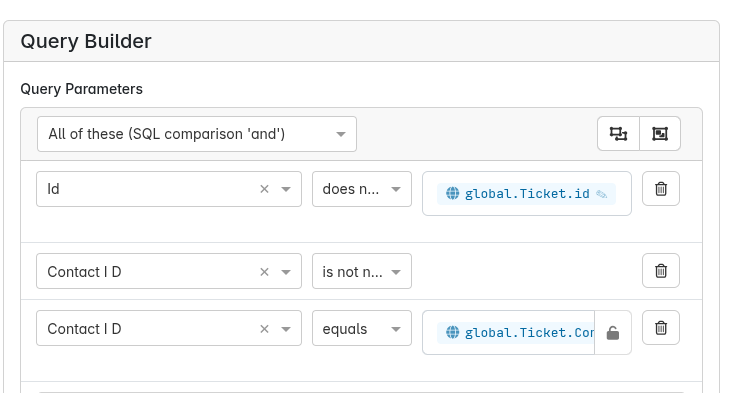
Got it, thanks --------------
I’ll see if we can make that more elegant so you don’t have that nuance to deal with.